The "Double Lock" Strategy
Why Two-Factor Authentication is Your Phone’s Best Deadbolt
Why Two-Factor Authentication is Your Phone’s Best Deadbolt
The "Double Lock" Strategy
If you live in the Austin area, you likely wouldn't leave your front door wide open when you go to bed. Most of us have a standard doorknob lock, and many of us have a deadbolt for that extra layer of protection.
In the digital world, we have something very similar called Two-Factor Authentication (or 2FA). While the name sounds like tech-jargon, it is actually the simplest and most effective way to stop a scammer in their tracks.
What exactly is Two-Factor Authentication?
Think of your online accounts (like your email or your bank) as the front door to your house.
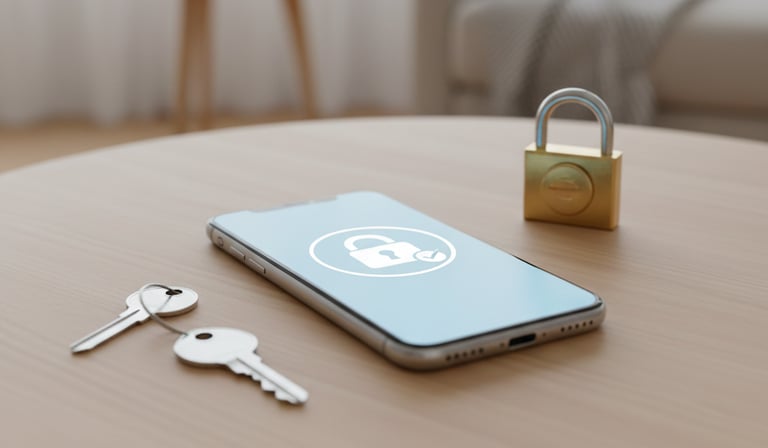
1. The First Lock (The Password): Your password is like your standard doorknob lock. It’s your first line of defense. However, scammers are very good at "picking" these locks or finding spare keys.
2. The Second Lock (The Deadbolt): Two-Factor Authentication is the deadbolt. Even if a scammer steals your password, they still can’t get in because they don’t have the second "key."
That second key is usually a 6-digit code sent directly to your cell phone via text message. Without that code, the door stays locked.
Why Do Seniors Need This?
Scammers often try to "spoof" or trick people into giving away their passwords. If you have 2FA turned on, the scammer is stuck. They might have your password, but they don't have your physical phone in their hand to see the code.
It turns a scary situation into a minor "no-entry" event for the criminal.
How Does It Work in Real Life?
Imagine you are logging into your bank account:
• Step 1: You enter your username and password.
• Step 2: A message pops up saying, "We just sent a code to your phone."
• Step 3: You check your text messages, find the code, and type it in.
• Step 4: You’re safely in!
It adds about 10 seconds to your login process, but it adds years of peace of mind knowing your accounts are secured by more than just a word or phrase.
Common Questions We Hear at Phone Safety Coach:
• "Is it hard to set up?" Not at all! Most apps have a "Security" section where you can toggle it on.
• "What if I lose my phone?" There are always backup ways to get into your account, and we help our clients set those up safely.
• "Does it cost money?" No. This is a free security feature provided by almost every major company (Apple, Google, Banks, etc.).
Need a Hand Locking the Digital Door?
At Phone Safety Coach , we specialize in sitting down with you, patiently and in person to walk through your phone settings. Whether you're in North Austin, Round Rock, or West Lake, we can help you:
• Turn on "deadbolt" security for your important accounts.
• Clean out "junk" apps that might be tracking you.
• Teach you how to spot a fake text code from a real one.
Don't wait until a scammer tries your doorknob. Call us to chat about how we can help you stay safe.
Helping Austin seniors Stay Safe from Phone Scams
Quick Links
Stay Connected
Get a free guide! Subscribe to our newsletter for scam, alerts, and tips.
Contact Us: